

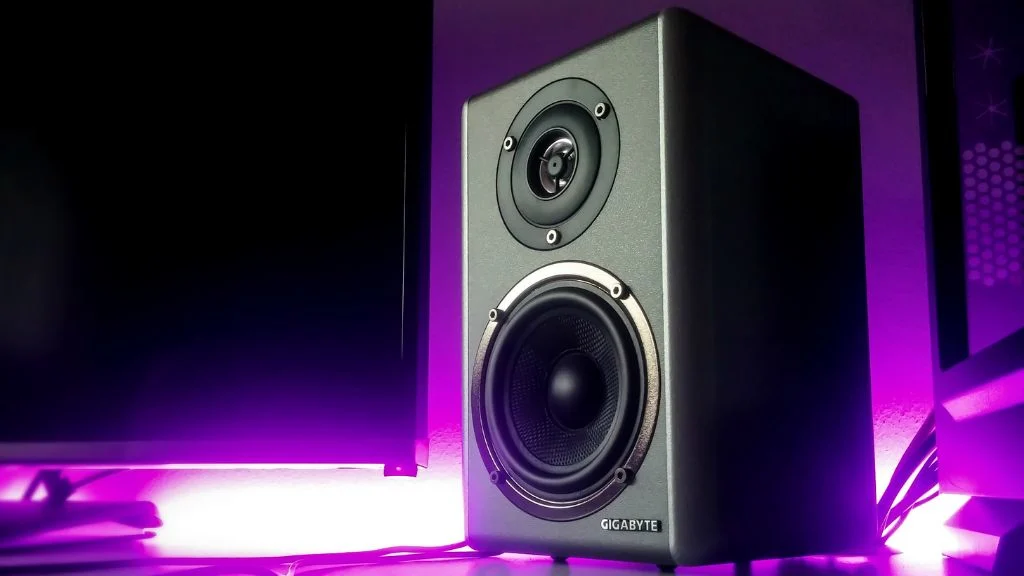
Multimedia speakers are an essential part of modern homes and offices—whether it’s for music, movies, gaming, or presentations. But like any electronic device, speakers need proper care to deliver consistent sound quality and last for years.
The good news? You don’t need technical expertise to maintain them. A few simple habits can significantly extend the life of your multimedia speakers and keep the audio crisp and distortion-free.
This guide explains how to maintain multimedia speakers for long life, in clear and practical terms.
Why Proper Speaker Maintenance Matters
Many people replace speakers not because they’re outdated, but because of avoidable issues like distorted sound, loose wiring, or internal damage caused by dust and heat.
Proper maintenance helps you:
- Preserve sound clarity and bass quality
- Prevent early component failure
- Avoid unnecessary repair or replacement costs
- Get the best return on your investment
Simply put, well-maintained speakers perform better and last longer.
1. Place Your Speakers Correctly
Speaker placement plays a major role in both sound quality and durability.
Best practices for placement:
- Keep speakers on a flat, stable surface
- Avoid placing them directly on the floor where dust accumulates
- Maintain distance from walls to prevent sound distortion
- Keep them away from direct sunlight, heat sources, and moisture
Why it matters:
Heat, humidity, and vibration can damage internal circuits and weaken speaker cones over time.
2. Keep Speakers Clean (Inside & Out)
Dust is one of the biggest enemies of multimedia speakers.
How to clean your speakers safely:
- Use a dry microfiber cloth for the outer body
- Gently clean speaker grills using a soft brush
- Never spray water or liquid cleaners directly on speakers
- Avoid opening the speaker unless done by a professional
Why it matters:
Dust buildup can block sound output, overheat components, and reduce audio clarity.
3. Control Volume Levels
Listening at high volume for extended periods may sound exciting, but it’s one of the fastest ways to damage speakers.
Smart volume habits:
- Avoid running speakers at maximum volume continuously
- Increase volume gradually instead of sudden spikes
- Reduce bass boost if distortion is noticeable
Why it matters:
Excessive volume stresses the speaker diaphragm and internal amplifier, leading to permanent damage.
4. Use High-Quality Audio Sources & Cables
Poor-quality audio files or damaged cables can negatively affect your speakers.
What you should do:
- Use original or high-quality audio cables
- Replace loose or frayed wires immediately
- Avoid low-bitrate or heavily compressed audio files
Why it matters:
Bad signals force speakers to work harder, increasing wear on internal components.
5. Protect Speakers from Power Fluctuations
Power surges are silent killers of electronic devices—including speakers.
Power safety tips:
- Use a surge protector or stabilizer
- Avoid plugging speakers into overloaded power strips
- Switch off speakers when not in use
Why it matters:
Voltage fluctuations can damage amplifiers and circuit boards beyond repair.
6. Allow Proper Ventilation
Speakers generate heat, especially active multimedia speakers with built-in amplifiers.
Ventilation best practices:
- Never block rear or side vents
- Leave enough space around speakers for airflow
- Avoid placing speakers inside closed cabinets
Why it matters:
Overheating shortens the lifespan of internal electronic components.
7. Handle Speakers with Care While Moving
Many speaker issues begin during relocation or installation.
Safe handling tips:
- Turn off and unplug before moving
- Hold speakers from the base, not the grill
- Avoid sudden drops or tilting
Why it matters:
Internal parts like magnets and coils are sensitive to impact.
8. Keep Speakers Away from Moisture
Moisture and electronics never go well together.
Avoid placing speakers:
- Near windows with rain exposure
- In kitchens or bathrooms without ventilation
- Near water coolers or humidifiers
Why it matters:
Moisture can cause corrosion, short circuits, and permanent internal damage.
9. Update and Maintain Connected Devices
If your multimedia speakers connect to TVs, computers, or media players, ensure those devices are functioning properly.
Helpful practices:
- Keep device firmware updated
- Check audio settings for distortion or imbalance
- Avoid mismatched impedance or unsupported outputs
Why it matters:
Incorrect settings can overload speakers and degrade sound quality.
Read More: https://www.oscarindia.in/step-by-step-guide-how-to-connect-a-multimedia-speaker/
10. Know When Professional Servicing Is Needed
If you notice:
- Crackling or buzzing sounds
- Sudden loss of bass or clarity
- Intermittent power issues
Don’t ignore it.
Early professional servicing can prevent small issues from becoming permanent damage.
How Often Should You Maintain Multimedia Speakers?
- Basic cleaning: Once every 2–3 weeks
- Cable inspection: Monthly
- Sound performance check: Every few months
- Professional check (if needed): Once a year
Consistent care beats emergency repairs every time.
Final Thoughts: Small Habits, Long Speaker Life
Maintaining multimedia speakers doesn’t require technical skills—just awareness and consistency. Proper placement, controlled volume, clean surroundings, and stable power can easily add years to your speaker’s lifespan while preserving premium sound quality.
If you invest a little care today, your speakers will reward you with powerful, distortion-free audio for the long run.
Looking for Durable, High-Quality Multimedia Speakers?
At Oscar India, we design multimedia speakers built for performance, durability, and long-term reliability—perfect for Indian homes, offices, and commercial spaces.
If you’re planning to upgrade or replace your speakers with a trusted Indian electronics brand, explore Oscar India’s advanced audio solutions engineered for rich sound and lasting performance.
👉 Choose Oscar India for speakers that sound great—and stay that way for years.